
1
Distributed photo sources
Employee portraits come from different locations and devices.
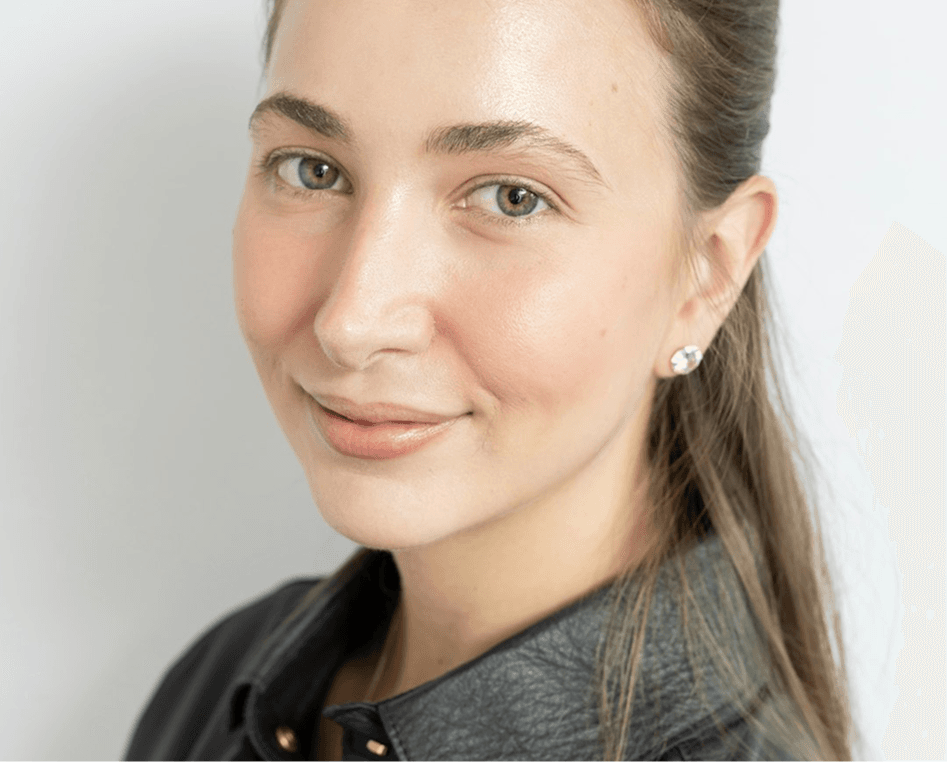
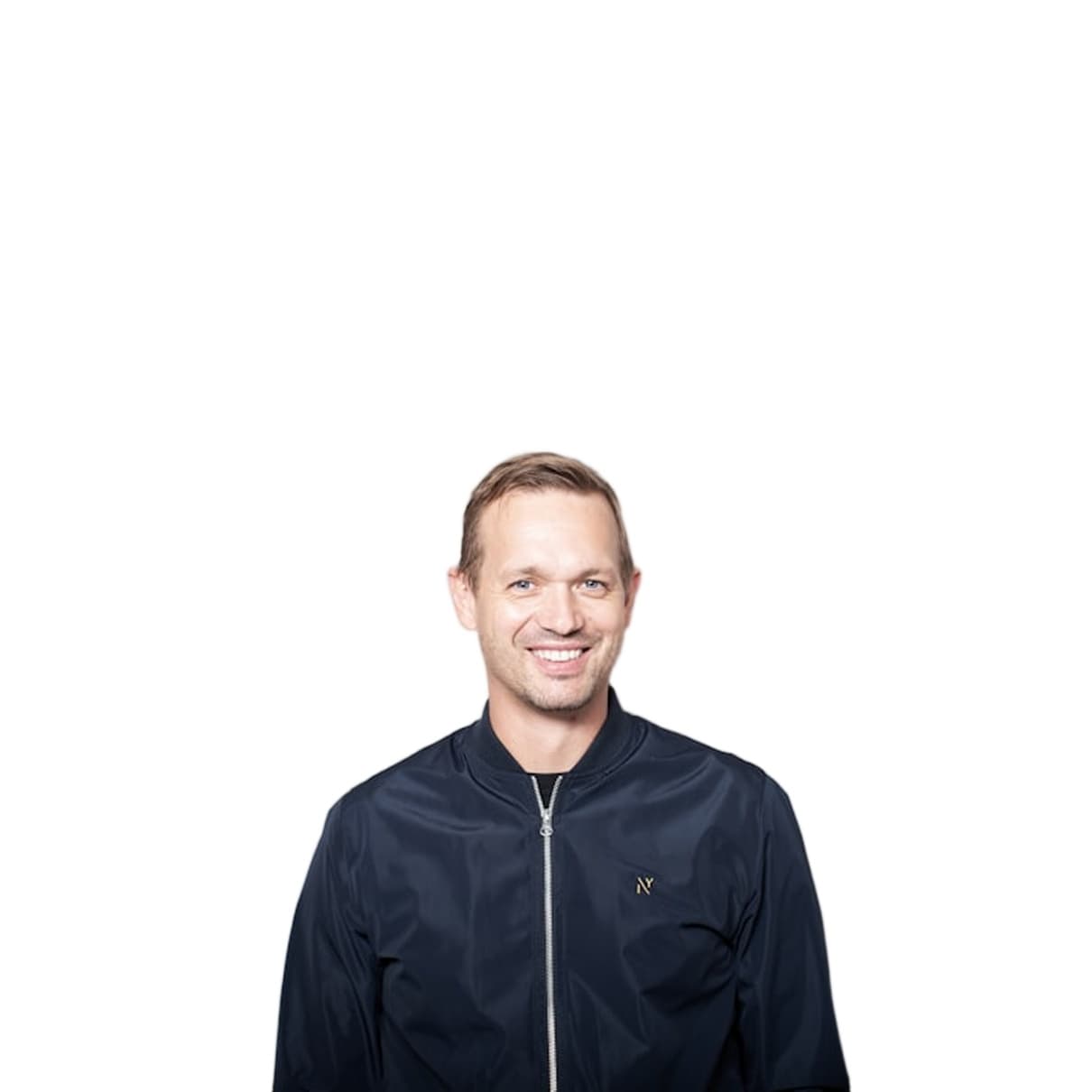
Prepare employee portrait cutouts for directories, organization charts, internal profiles, and approved communications.
25 MB
Maximum input
PNG / JPG
Export options
Single + bulk
Upload workflows
Job history
Saved results

A consistent preparation step helps distributed teams produce cleaner portrait assets while consent, retention, access, and final use stay governed by company policy.
We understand the problems — because we built Autoremov to solve them.
Employee portraits come from different locations and devices.
Every new starter adds another image to prepare.
Portrait handling must follow consent, retention, and access policies.
Prepare a reusable transparent headshot.
Process related employee images through the bulk flow.
Export transparency, white, or a custom color.
Return to completed jobs from the dashboard.
25 MB — Maximum input

Single + bulk
Upload workflows

Standardize Portrait Preparation. Keep People in Control.
From upload to download in four simple steps.
Use images approved for the intended workplace purpose.
Process the portrait individually or as a batch.
Check edges and identity before download.
Apply company crop, retention, and access rules.
Portrait preparation
Transparent PNG
Bulk ZIP jobs
PNG and JPG output
Saved results
Before-and-after review
What customers in this segment use Autoremov for every day.
Preview the result, review the edges, and decide whether it belongs in your production process.
Autoremov is not an HRMS and does not manage consent or retention. Handle employee imagery according to privacy law and company policy.