
1
Portrait sources vary
Staff imagery comes from several sites and devices.
Use the image workflow for non-diagnostic portraits and communications assets, subject to your organization's privacy requirements.
25 MB
Maximum input
PNG / JPG
Export options
Single + bulk
Upload workflows
Job history
Saved results
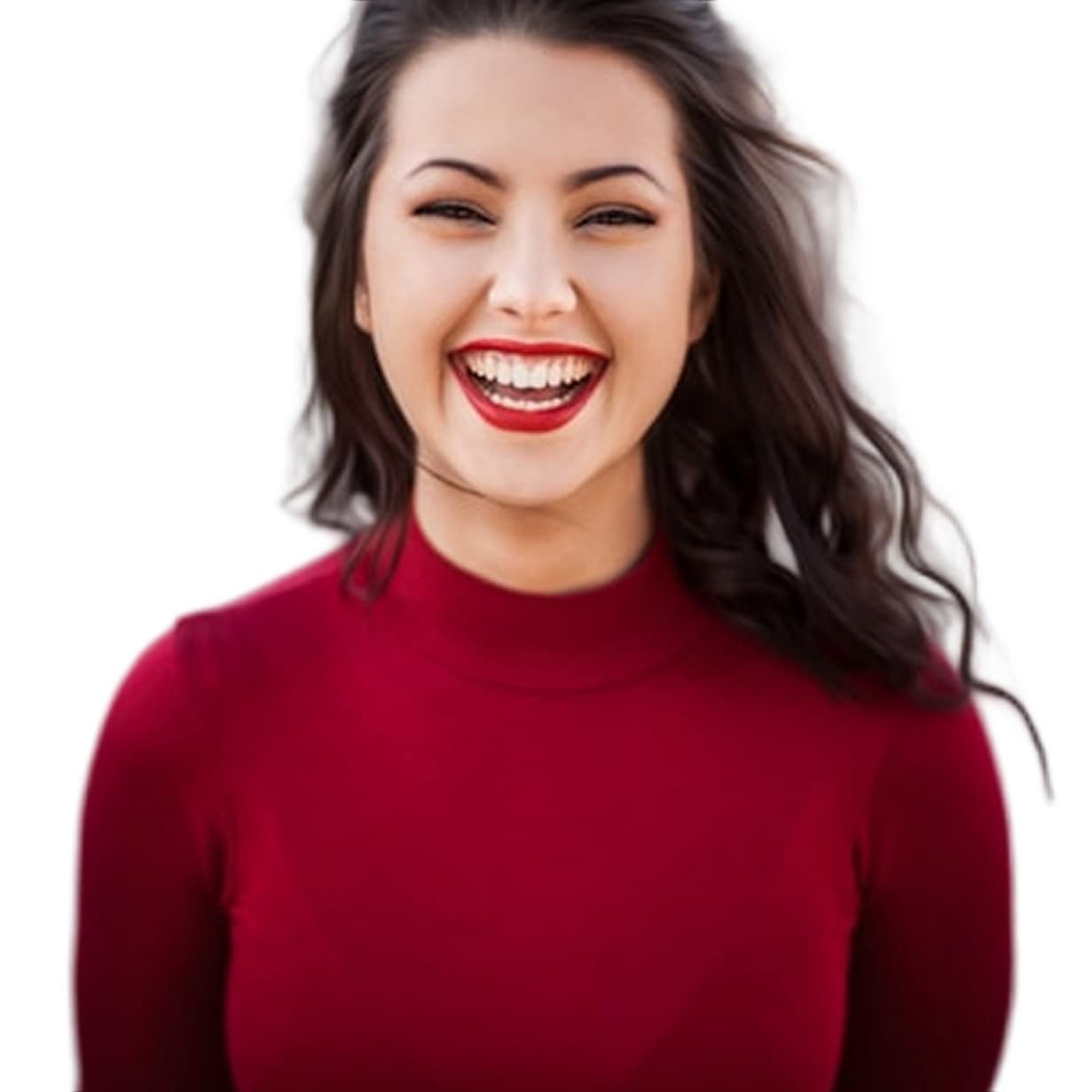
Healthcare organizations must decide whether a file is appropriate to upload under applicable privacy, security, and vendor policies.
We understand the problems — because we built Autoremov to solve them.
Staff imagery comes from several sites and devices.
Directories and profiles benefit from a shared treatment.
Patient and clinical imagery may be regulated.
Prepare approved headshots for profiles.
Export PNG assets for downstream layout.
Process approved non-sensitive images together.
Compare source and output before publishing.
25 MB — Maximum input


Single + bulk
Upload workflows
Prepare Professional Portrait Assets. Protect Sensitive Information.
From upload to download in four simple steps.
Follow privacy and vendor-approval rules.
Use a supported non-diagnostic file.
Check identity and detailed edges.
Apply crop, consent, access, and retention requirements.
Portrait processing
Transparent PNG
Simple backgrounds
Bulk workflow
Before-and-after review
Saved results
What customers in this segment use Autoremov for every day.
Preview the result, review the edges, and decide whether it belongs in your production process.
Do not upload protected health information or clinical imagery unless your organization explicitly approves the service for that data.