
1
Unprepared source files
Artwork often starts as a photo rather than a production asset.
Remove an unwanted source background before moving the asset into the final print-production workflow.
25 MB
Maximum input
PNG / JPG
Export options
Single + bulk
Upload workflows
Job history
Saved results
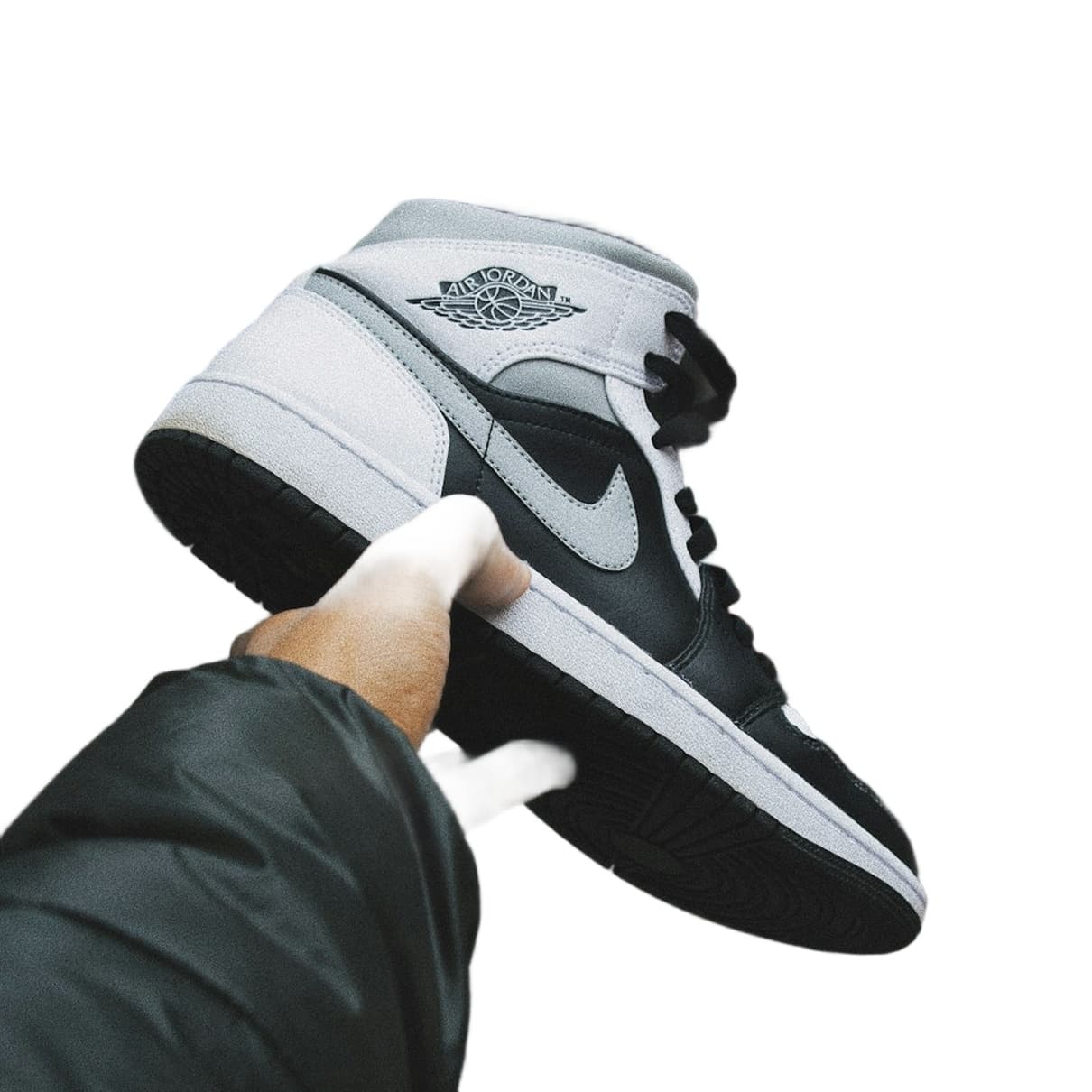
A clean cutout is a starting point. Dimensions, color profile, bleed, resolution, rights, and substrate testing still need production review.
We understand the problems — because we built Autoremov to solve them.
Artwork often starts as a photo rather than a production asset.
Each product or colorway can repeat the same cutout.
A transparent file is not automatically printer-ready.
Create an asset for positioning on a print template.
Prepare one design or a related collection.
Download PNG or JPG for the next step.
Review removal before production setup.
25 MB — Maximum input
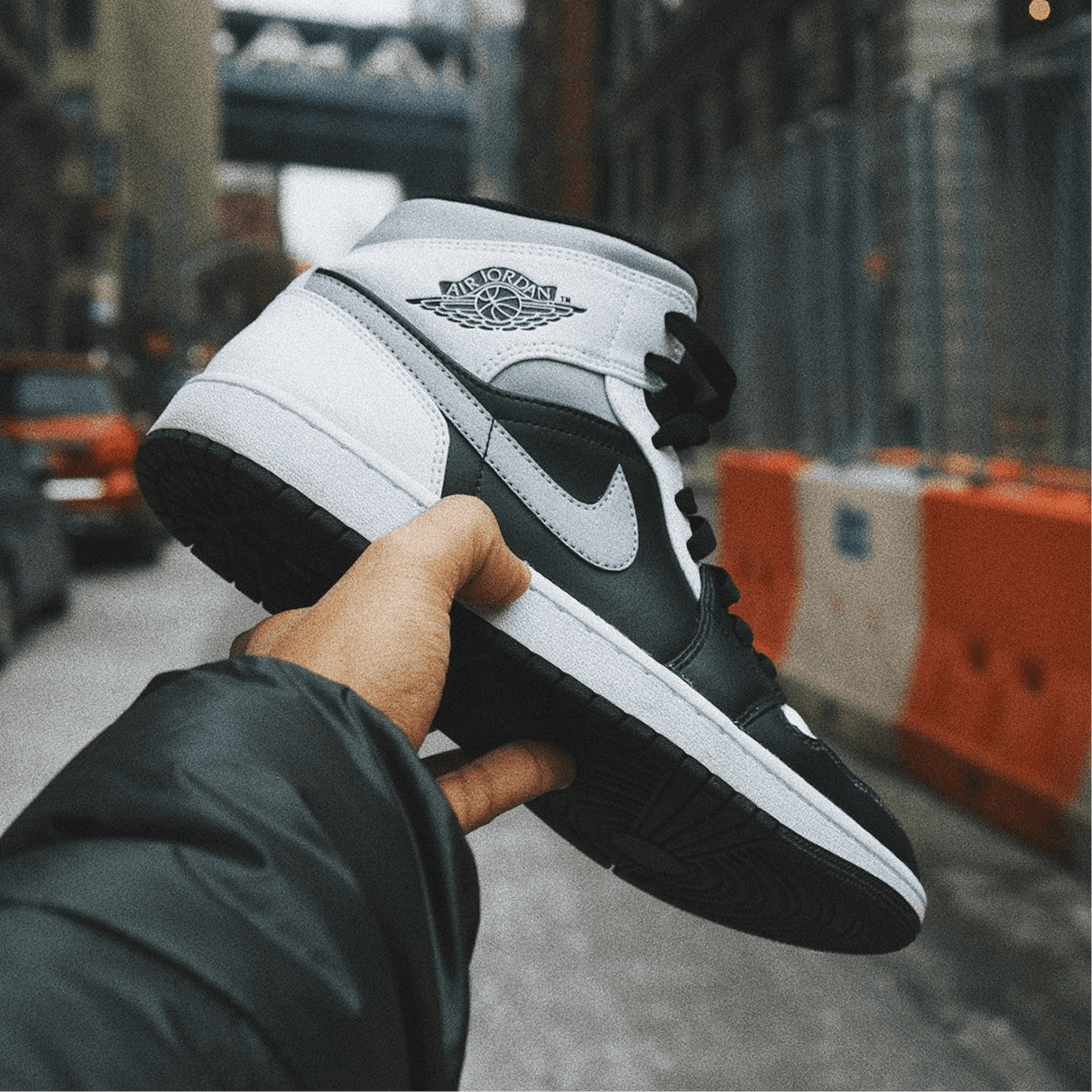

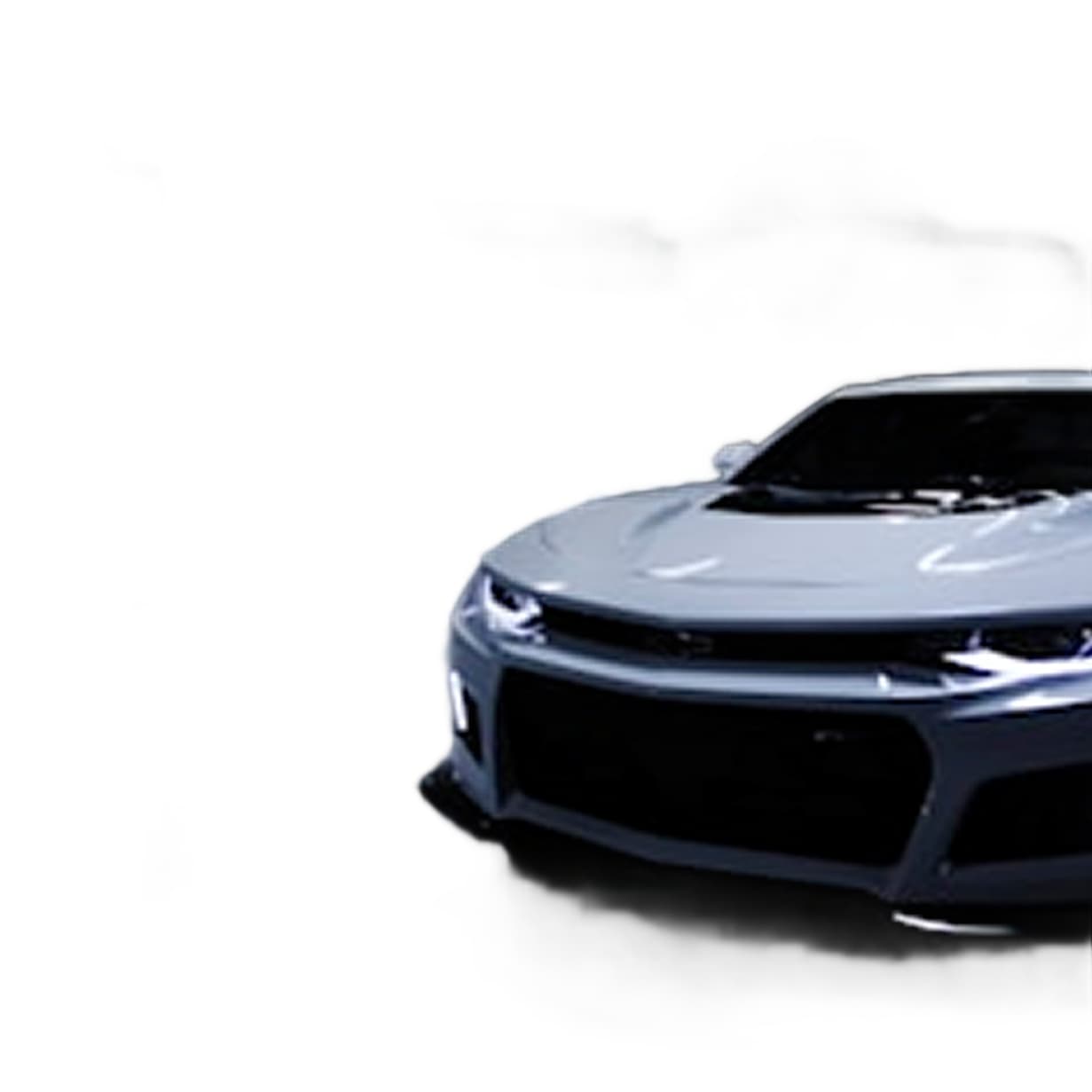
Single + bulk
Upload workflows
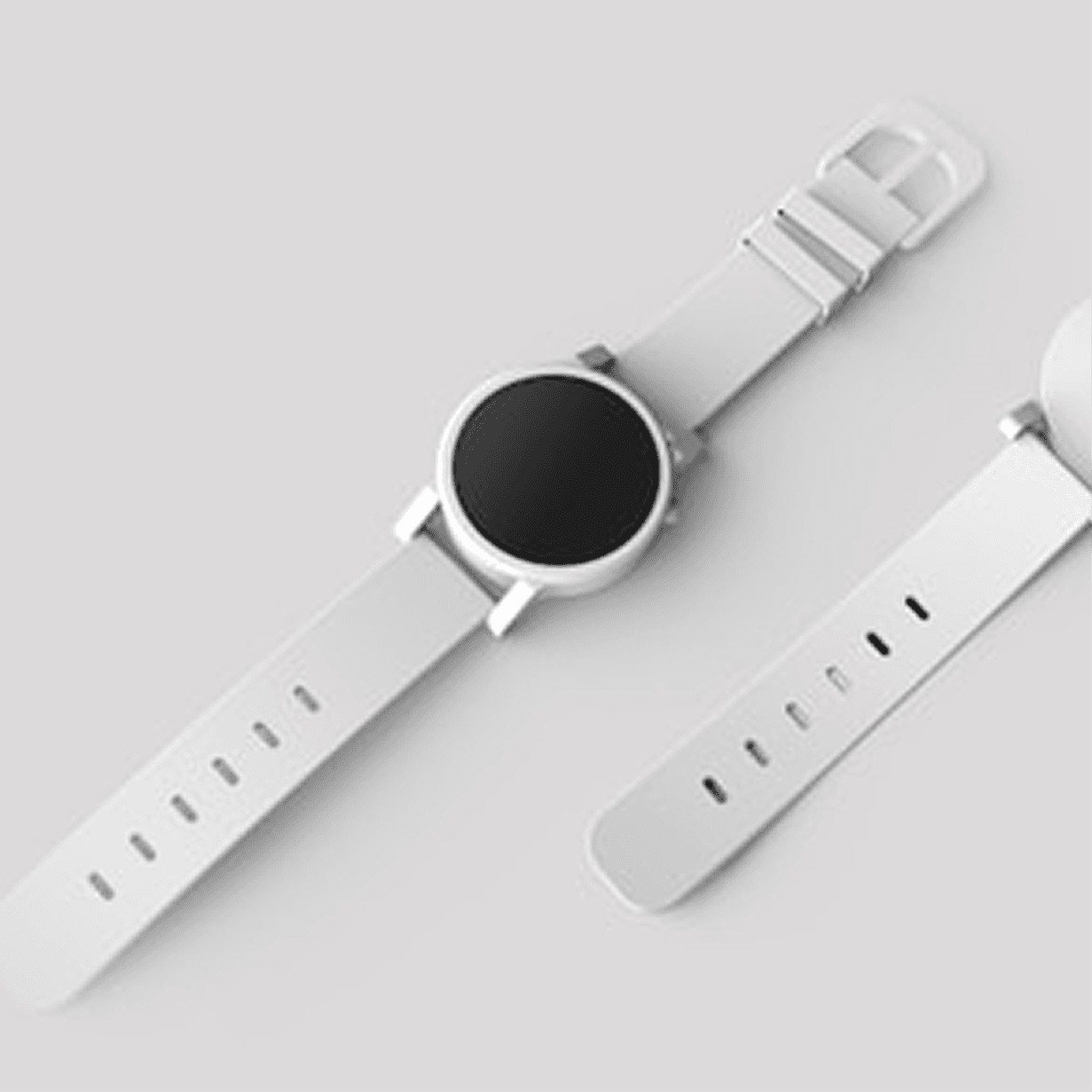
Prepare Transparent Artwork. Finish It for Production.

From upload to download in four simple steps.
Choose a source image you have rights to use.
Generate the transparent cutout.
Check small details and remnants.
Set size, profile, bleed, and specifications elsewhere.
Transparent PNG
Single and bulk workflows
PNG and JPG output
Before-and-after review
Custom backgrounds
Saved results
What customers in this segment use Autoremov for every day.
Preview the result, review the edges, and decide whether it belongs in your production process.
Confirm intellectual-property rights and the print provider's current file, resolution, color, bleed, and transparency requirements.